Samsung appliance repair knowledge can save you time and money, ensuring your devices continue to operate efficiently, even though these appliances are renowned for their innovative technology and stylish design, making them a popular choice in many households. However, like any other brand, they may encounter various issues over time. Understanding how to troubleshoot and fix these common problems is the key to maintaining their optimal performance.
In this guide, we will explore the most frequent issues faced by Samsung appliance owners, from refrigerators that do not cool properly to washing machines that refuse to spin. Each section will provide practical solutions, helping you diagnose the problem and implement effective repairs. Whether you are a seasoned DIY enthusiast or a novice, this guide aims to empower you with the knowledge needed to tackle appliance repairs confidently.
By following our step-by-step instructions and tips, you’ll not only extend the lifespan of your Samsung appliances but also gain a deeper understanding of how they function. Ultimately, being proactive in appliance maintenance can enhance your home experience and keep your household running smoothly. Let’s dive into the common issues and their solutions to get your appliances back to optimal performance.
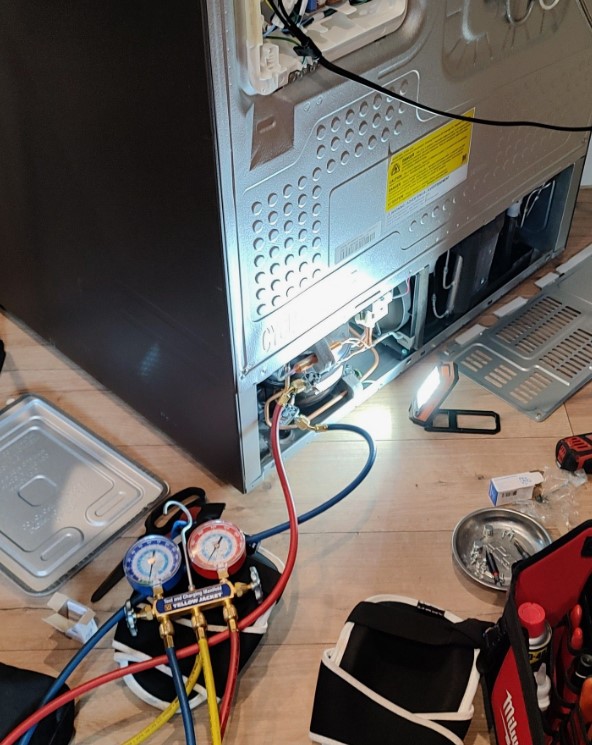
Samsung Appliance Repair: Guide to Fixing Common Samsung Appliance Issues
Samsung appliances are known for their reliability and advanced technology. However, like any home appliance, they may encounter issues over time. Understanding common problems and their solutions can save you time and money. This guide covers frequent Samsung appliance issues and provides steps for troubleshooting and repairs.
Common Refrigerator Problems
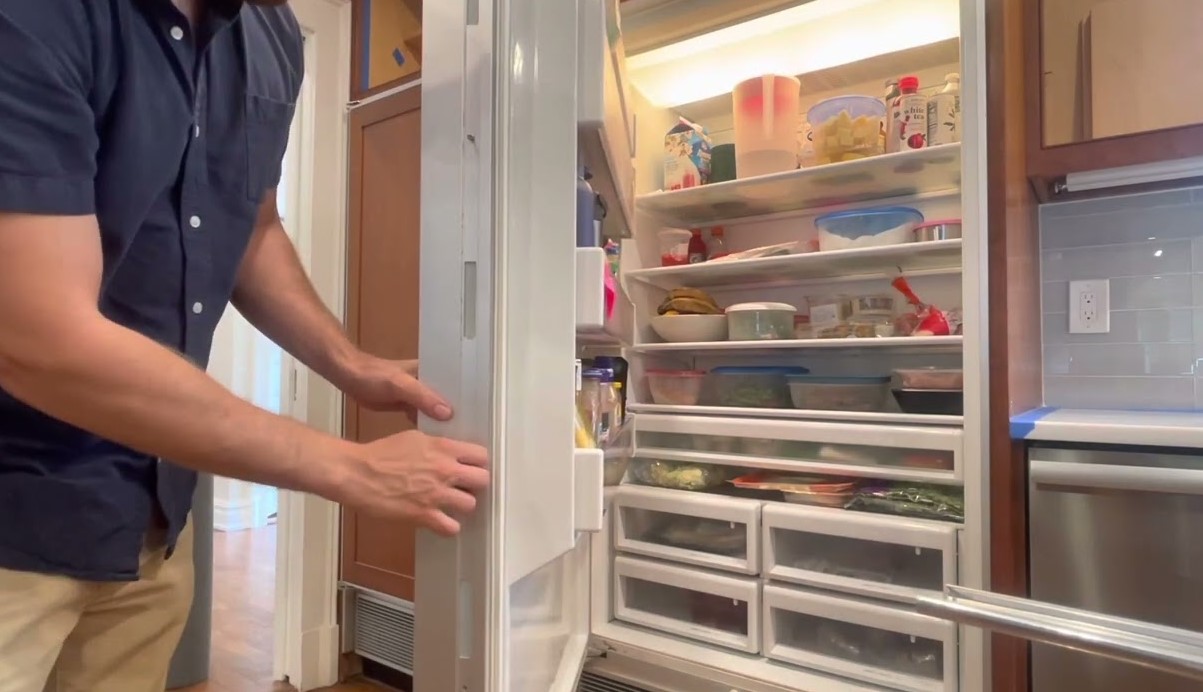
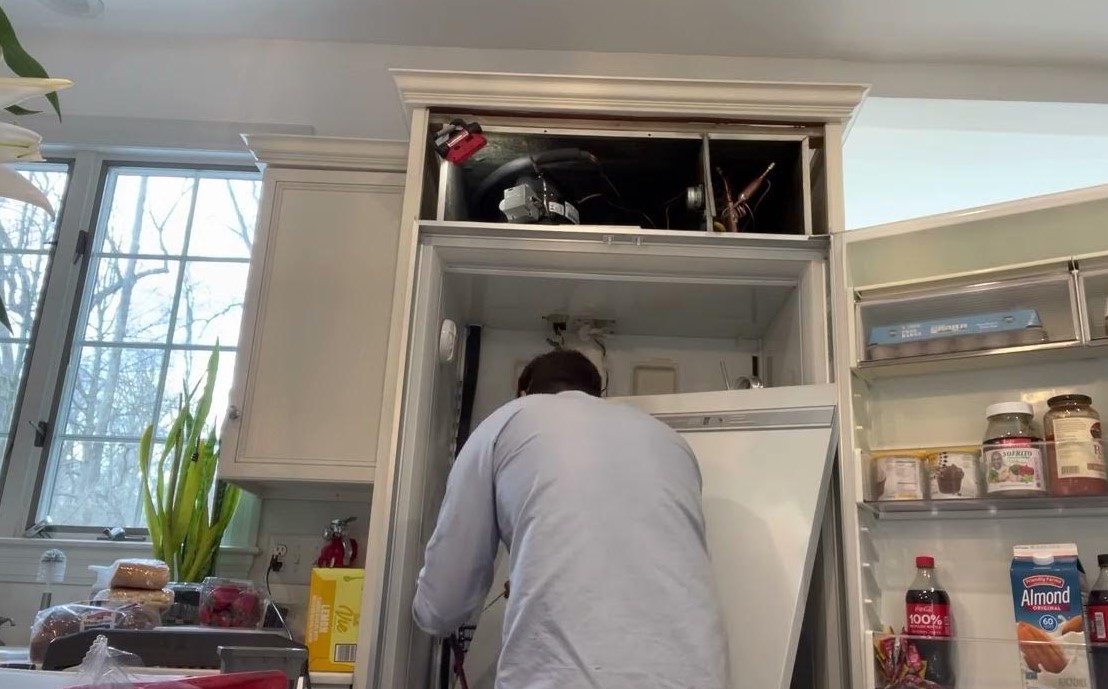
One of the most common issues with Samsung refrigerators is improper cooling. If your refrigerator is not cold enough, check the temperature settings and ensure that the vents are not blocked by food items. Another frequent problem is water leakage. This can be caused by a clogged defrost drain. To fix this, locate the drain and clear any debris or ice buildup. If the refrigerator is making unusual noises, it may be related to the evaporator fan. Listen carefully; if the fan is defective, it may need to be replaced.
Washing Machine Troubles
Samsung washing machines may experience issues such as not starting or not spinning. If the machine does not start, check the power supply and ensure the door is securely closed. A washing machine that won’t spin may have an unbalanced load; redistribute the clothes and try again. If the problem persists, inspect the drive belt for wear; a worn belt may require replacement. Additionally, if you notice an error code, consult the user manual for troubleshooting steps specific to that code.
Troubleshooting Samsung Refrigerator Not Cooling
If your Samsung refrigerator is not cooling properly, it can lead to spoiled food and frustration. Follow these troubleshooting steps to identify and resolve the issue.
- Check the Power Supply:
- Ensure the refrigerator is plugged in securely.
- Inspect the power cord for any visible damage.
- Check your circuit breaker to see if the refrigerator’s circuit has tripped.
- Adjust Temperature Settings:
- Verify that the temperature settings are appropriate; the recommended temperature is usually between 37°F (3°C) and 40°F (4°C).
- Make sure the settings have not been inadvertently changed or reset.
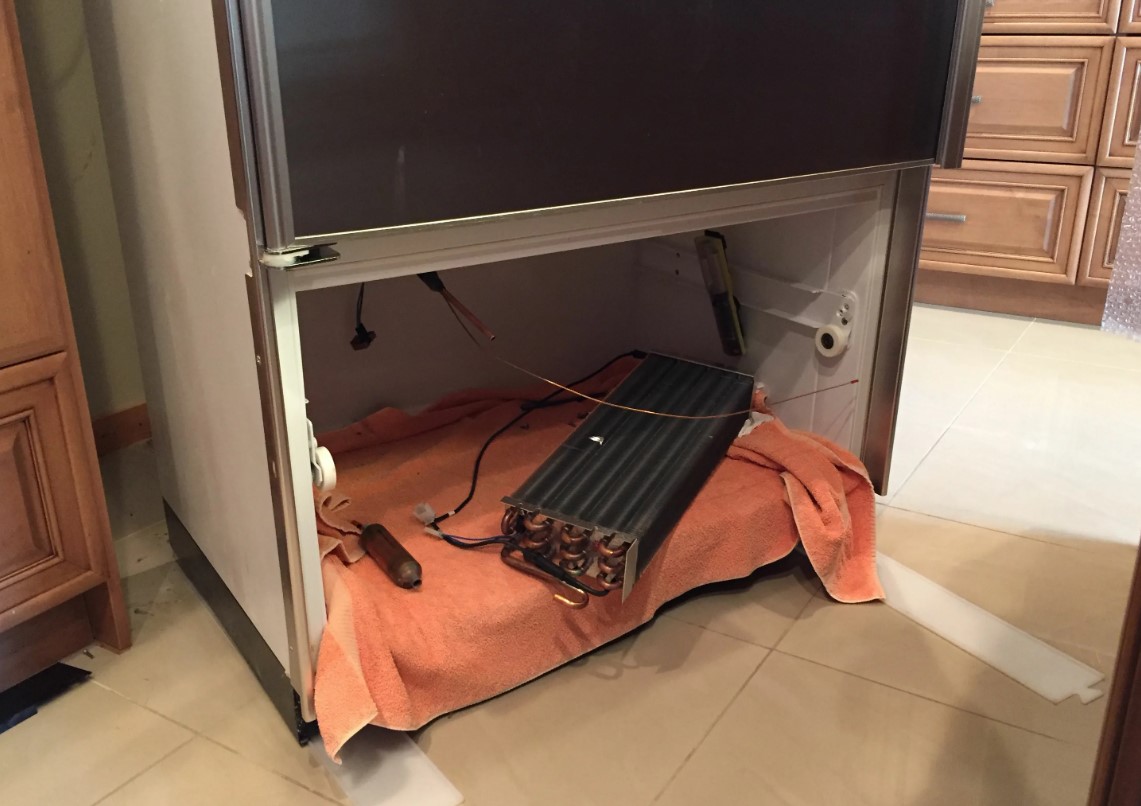
- Inspect the Condenser Coils:
- Locate the condenser coils, usually found at the back or underneath the refrigerator.
- Clean the coils with a coil brush or vacuum to remove dust and debris, which can impede cooling efficiency.
- Check the Door Seals:
- Inspect the door seals for cracks or tears that could cause cold air to escape.
- Wipe the seals with a damp cloth to ensure they are clean and sealing properly.
- Defrost the Freezer:
- Excessive frost build-up can block airflow. Defrost your freezer if you notice significant frost accumulation.
- Turn off the refrigerator and allow it to defrost for several hours, then restart it.
- Examine the Fan and Evaporator:
- Listen for the sound of the fan running. If you don’t hear it, it may be defective or obstructed.
- Check for ice build-up around the evaporator, which may need to be cleared.
- Consult User Manual:
- Refer to your specific model’s user manual for troubleshooting guidelines and error codes specific to your unit.
- Contact a Professional:
- If none of the above steps resolve the issue, it may be necessary to call a qualified technician for a thorough inspection and repair.
Regular maintenance and prompt attention to issues can help ensure your Samsung refrigerator operates efficiently and effectively.
How to Fix a Samsung Washer that Won’t Spin
If your Samsung washer is not spinning, there are several potential causes and solutions to consider. This guide will help you troubleshoot and resolve the issue effectively.
1. Check the Load Balance: An unbalanced load can prevent the washer from spinning. Open the door and redistribute the clothes evenly around the drum. Ensure that heavy items are not loaded with lightweight garments, as this can cause imbalance.
2. Examine the Door Lock: A malfunctioning door lock can stop the spinning cycle. Ensure the door is securely closed. If the door lock is damaged or not working properly, it may need to be replaced. Listen for a clicking sound when closing the door, which indicates that the lock is functioning correctly.
3. Inspect the Drain Pump: A blocked drain pump can prevent water from draining and stop the spin cycle. Check for obstructions in the drain hose and pump filter. Clean any debris found and ensure that the hose is not kinked or bent, allowing for proper drainage.
4. Check the Spin Cycle Settings: Make sure you have selected the correct cycle that includes spinning. Some cycles, like rinse-only modes, may not include a spin cycle. Refer to the user manual for the correct settings for your specific model.
5. Look for Error Codes: Samsung washers have a diagnostic feature that displays error codes if there is an issue. Check the display for any error messages and refer to the user manual for descriptions of those codes and recommended actions.
6. Test the Motor: If the motor is faulty, the washer may not spin. Unplug the appliance and check the motor’s wiring for any visible damage or loose connections. If necessary, consult a professional technician for motor testing and potential replacement.
7. Examine the Belt: A worn or broken drive belt may cause spinning issues. Check the belt for signs of wear or damage, and replace it if necessary. A visual inspection can usually reveal if the belt is out of place or frayed.
8. Consider the Control Board: A malfunction in the control board can result in spinning problems. If all other troubleshooting steps fail, the control board may need to be tested or replaced. This may require professional help as it involves handling electrical components.
By following these steps, you can troubleshoot and fix a Samsung washer that won’t spin. If the issue persists after trying these solutions, it may be best to contact a professional technician for a thorough diagnosis and repair.
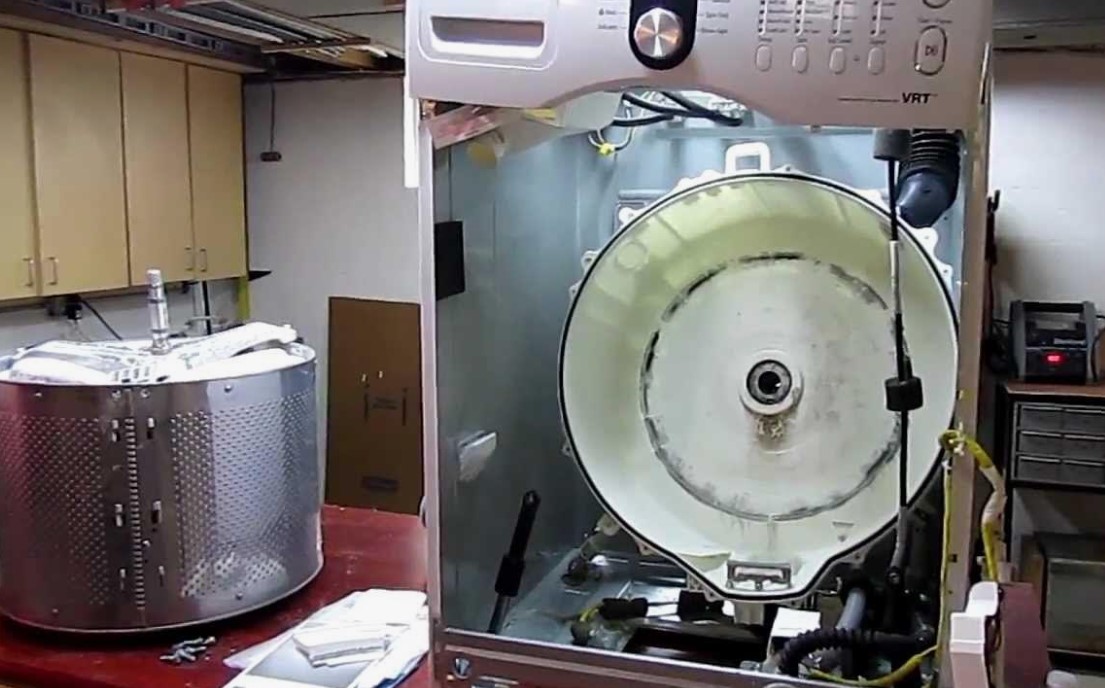
Identifying Common Issues with Samsung Dryer Overheating
Samsung dryers are popular for their efficiency and reliability; however, overheating can occur, leading to performance issues and potential safety hazards. Identifying the root cause of overheating is essential for timely repairs and maintenance.
One common issue that leads to overheating is a clogged or restricted vent system. Lint buildup in the ductwork not only restricts airflow but also increases the temperature inside the dryer. Regularly cleaning the lint filter after each load and ensuring that the vent hose is free from obstructions can mitigate this problem.
Another factor contributing to overheating is an overloading of the dryer. When too many items are placed in the drum, it restricts proper airflow and increases drying time, causing the appliance to generate excessive heat. Always follow the manufacturer’s guidelines regarding load capacity to prevent this issue.
Faulty temperature sensors can also trigger overheating scenarios. If the thermistor or thermostat is malfunctioning, it may send incorrect signals to the control board, resulting in increased heat levels. Testing and replacing these components may be necessary if overheating persists.
An additional consideration is the heating element. If it becomes damaged or stuck in the «on» position, it can continually heat the dryer even when it should be cooling down. Inspecting the heating element for any signs of wear can help identify this issue.
Lastly, the dryer’s control board plays a critical role in regulating temperatures. A malfunction in the electronic control system may lead to overheating issues. If other components are functioning correctly, but the problem continues, a professional assessment of the control board may be needed.
By recognizing these common issues, users can take proactive steps to resolve overheating in Samsung dryers, ensuring optimal performance and longevity of the appliance.
Steps to Resolve Samsung Dishwasher Not Draining
If your Samsung dishwasher is not draining properly, it can be frustrating. Follow these steps to identify and resolve the issue.
| Step | Action |
|---|---|
| 1 | Check the Air Gap: Ensure that the air gap installed in your sink is not clogged. Remove any debris that may be obstructing the flow. |
| 2 | Inspect Drain Hose: Examine the drain hose for kinks or clogs. Ensure it is properly connected and not blocked. |
| 3 | Clean Filter: Remove and clean the dishwasher filter to prevent debris accumulation that can hinder drainage. |
| 4 | Run a Diagnostic Test: Use the dishwasher’s diagnostic mode to check for error codes that can help identify specific problems. |
| 5 | Check the Drain Pump: Listen for the drain pump operation. If it is silent, it may need replacement or repair. |
| 6 | Inspect the Waste Garbage Disposal: If your dishwasher is connected to a garbage disposal, check that it is functioning properly and not clogged. |
| 7 | Clear Blockages: Look inside the dishwasher for any visible blockages that could be preventing water from draining. |
| 8 | Test the Cycle: Run a short cycle after performing all checks to see if the issue is resolved. |
| 9 | Contact Support: If the issue persists, consider contacting Samsung service or a professional technician for further assistance. |
By following these steps, you should be able to effectively troubleshoot and resolve drainage issues in your Samsung dishwasher.
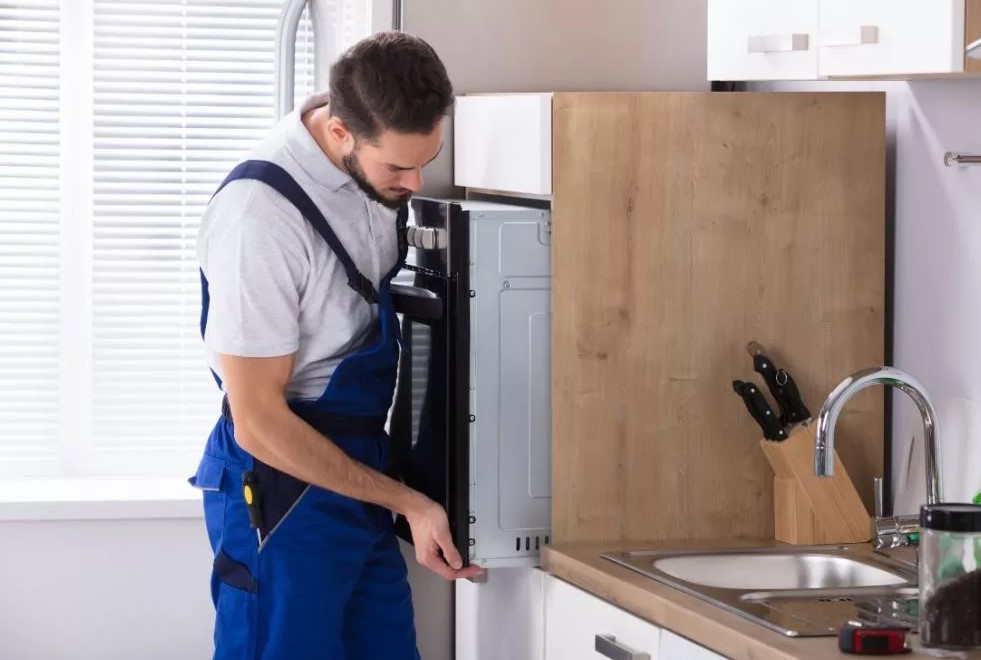
How to Repair Samsung Oven that Won’t Heat
When your Samsung oven fails to heat, it can disrupt meal preparation. Before calling a professional, you can follow these steps to identify and potentially resolve the issue.
Common Causes
Several factors can contribute to your Samsung oven not heating:
- Power supply issues
- Faulty heating elements
- Defective thermostat
- Broken control board
- Poor door seal
Steps for Troubleshooting and Repair
Follow these troubleshooting steps to identify and fix the issue:
- Check Power Supply:Ensure the oven is properly plugged in and that the outlet is functioning. You may test the outlet with another appliance or use a multimeter.
- Examine Heating Elements:Inspect the bake and broil elements for any visible damage, such as blisters or breaks. If they’re damaged, they need to be replaced.
- Test the Thermostat:Use a multimeter to check if the thermostat is functioning correctly. If it is faulty, you will need to replace it.
- Inspect the Control Board:Check for burned connections or other visible issues on the control board. If the control board is faulty, consider replacing it.
- Assess the Door Seal:Ensure the door seal is intact and not damaged. A poor seal can lead to heat loss, impairing heating efficiency.
If these steps do not resolve the issue, it may be a good idea to consult the user manual or contact a certified Samsung technician for further assistance.
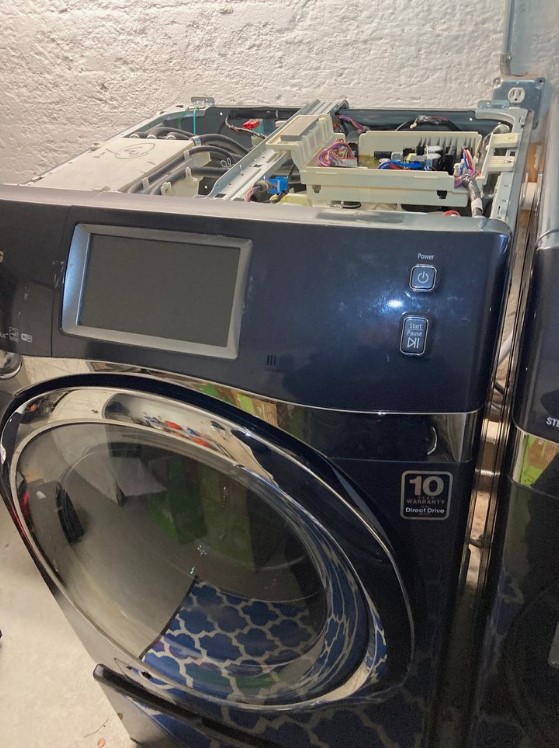
Fixing Samsung Microwave with No Power
If your Samsung microwave is not powering on, it can be frustrating. However, many common issues can be easily diagnosed and resolved. Here’s a structured approach to troubleshoot and fix the problem.
First, ensure that the microwave is plugged into a working outlet. You can test this by plugging another appliance into the same socket. If the other appliance works, move on to checking the microwave itself.
One potential issue is a blown fuse. Samsung microwaves typically have an internal fuse that protects against electrical surges. If this fuse is blown, the microwave will not receive power. To inspect the fuse, follow these steps:
- Unplug the microwave from the power outlet.
- Remove the outer casing by unscrewing the screws at the back and sides.
- Locate the fuse; it is usually near the power cord inside the unit.
- Check for signs of damage or a break in the fuse. If it is blown, replace it with the same type and rating.
Another common issue could be a faulty door switch. Microwaves are designed not to operate if the door isn’t properly closed. To test the door switch:
- Ensure the microwave is unplugged before inspection.
- Open the door and press the door switch manually.
- If you hear a clicking sound, the switch may be functioning, but it still could be faulty. Consider replacing it if the microwave still does not power on.
Additionally, check the microwave’s power cord for any signs of damage. A frayed or broken cord can prevent the appliance from getting power. If you find any damage, replace the cord.
| Issue | Solution |
|---|---|
| No power to outlet | Test outlet with another appliance |
| Blown fuse | Replace the damaged fuse |
| Faulty door switch | Test and replace if necessary |
| Damaged power cord | Inspect and replace if frayed or broken |
After addressing these issues, plug the microwave back in and test it. If it still doesn’t power on, it may be time to consult a professional technician. Attempting to fix more complex components can be hazardous without proper training.
Troubleshooting Samsung Refrigerator Ice Maker Problems
Samsung refrigerators are equipped with ice makers that provide convenience and ease of use. However, issues may occasionally arise with ice production. This section outlines common problems and solutions to troubleshoot Samsung refrigerator ice maker issues.
| Problem | Possible Causes | Solutions |
|---|---|---|
| No ice production | 1. Ice maker is turned off 2. Water supply is blocked 3. Clogged water filter | 1. Ensure the ice maker is turned on using the control panel. 2. Check the water supply line for kinks or clogs. 3. Replace or clean the water filter. |
| Ice maker freezes up | 1. Temperature too low 2. Blocked air vents | 1. Adjust the freezer temperature to the recommended setting (0°F/-18°C). 2. Ensure vents are not obstructed by food items. |
| Ice cubes are small or hollow | 1. Low water pressure 2. Defective water inlet valve | 1. Check the water pressure to the refrigerator; it should be between 20-120 psi. 2. Replace the water inlet valve if faulty. |
| Water leaks around the ice maker | 1. Loose water line connections 2. Cracked ice bin | 1. Tighten any loose connections in the water line. 2. Inspect and replace the ice bin if cracked. |
| Ice maker makes loud noises | 1. Ice maker assembly issues 2. Ice blockages | 1. Inspect the assembly for any misalignments and adjust. 2. Clear any ice blockages that may be causing noise. |
Follow these guidelines to effectively troubleshoot and resolve common ice maker issues in Samsung refrigerators. If problems persist, consider reaching out to a professional technician for further assistance.
Resolving Common Issues with Samsung Range Burners
When it comes to cooking, the range burners on your Samsung appliance play a crucial role. If you encounter issues, follow these troubleshooting steps to resolve common problems.
Burner Won’t Light: If a burner fails to ignite, ensure that the burner cap is in the correct position and that it is clean. Check for clogs in the burner holes; a gentle cleaning with a toothpick can help. If the problem persists, inspect the ignitor for damage or wear.
Uneven Heating: Burners that heat unevenly may indicate a misaligned burner cap or a dirty burner. Remove the cap and clean it thoroughly, ensuring proper alignment when placed back. Additionally, check for debris under the burner that could block heat distribution.
Burner Flames Are Yellow or Orange: A flame that is not blue suggests a need for adjustment or cleaning. This could be due to a buildup of grease or food particles. Cleaning the burner and ensuring proper air-to-gas mixture by adjusting the air shutter may resolve this issue. If not, consult the user manual for precise adjustment instructions.
Burner Knob Stuck: If a knob becomes difficult to turn, first check for any food debris or residue around the base. Clean surrounding areas and apply a lubricant specifically designed for kitchen appliances if necessary. If the knob is damaged, consider replacing it.
Burner Makes Popping Noises: Popping sounds may occur due to moisture or residual food particles trapped in the burner. Make sure the burner is completely dry and free of debris. If the noise continues, seek professional assessment as it may indicate a more serious issue.
Flame Color Change When Adjusting: If adjusting the flame causes it to change color significantly, this could indicate improper gas flow or a dirty burner. Cleaning the burner thoroughly and ensuring the gas supply is correct are necessary steps. If issues remain, contacting a service technician is recommended.
Regular maintenance and cleaning can prevent many issues with your Samsung range burners. Always refer to the user manual for specific guidance on your model. If troubleshooting does not resolve the issue, consider consulting a professional for further assistance.
How to Fix Samsung Washer Making Loud Noises
If your Samsung washing machine is making loud noises during operation, it can indicate various issues that need addressing. Begin by identifying the source of the noise and then proceed with the appropriate steps to remedy the problem.
1. Check for Unbalanced Loads: An unbalanced load is one of the most common reasons for noisy washing machines. Remove some items from the drum to redistribute the load evenly. Always make sure to mix heavy and light items to avoid imbalance.
2. Inspect the Drum for Foreign Objects: Examine the drum for any trapped items, such as coins, small screws, or fabric that may cause rattling or grinding sounds. Look under the agitator and in the drum itself to ensure nothing is obstructing the movement.
3. Examine the Shock Absorbers: If your washer makes a loud banging noise, the shock absorbers may be worn out. Access the back of the washer and inspect the shock absorbers. If they appear to be damaged or leaking, they will need to be replaced.
4. Check the Drive Belt: A worn or loose drive belt can produce a squealing or thumping sound. Remove the back panel of the washer and inspect the belt for signs of wear or slackness. If needed, adjust or replace the belt to restore proper functionality.
5. Assess the Motor and Bearings: Loud grinding noises may be indicative of problems with the motor or bearings. Listen closely while the washer is in operation. If the noise persists, consult a professional technician for a thorough inspection and repair.
6. Level the Washer: An uneven or unstable washer can create excessive noise during its cycle. Use a level to check the appliance’s position. Adjust the feet until the washer is perfectly level to minimize vibrations and noises.
7. Avoid Overloading: Overloading the washer can lead to increased strain on components, causing loud noises. Always adhere to the manufacturer’s load recommendations to ensure optimal performance.
8. Regular Maintenance: Perform routine maintenance to keep your washing machine functioning correctly. This includes cleaning the lint filter, checking hoses for leaks, and ensuring the drum spins freely.
If after following these steps, the loud noises persist, it may be time to contact Samsung customer service or a qualified technician for further assistance. Proper diagnosis and repair can extend the life of your washer and enhance its performance.
Diagnosing Samsung Dryer Not Starting
If your Samsung dryer is not starting, it can be frustrating. However, diagnosing the issue systematically can help you pinpoint the problem and determine the best course of action for repair. Start by checking the following common issues:
1. Power Supply: Ensure the dryer is properly plugged into a working electrical outlet. Check the circuit breaker to confirm that it hasn’t tripped. If it’s a gas dryer, make sure the gas supply valve is open.
2. Door Latch: The dryer will not start if the door is not fully closed. Inspect the door latch for any obstructions and ensure it engages properly when the door is shut.
3. Start Switch: Press the start button firmly to rule out a malfunctioning start switch. If the button feels stuck or does not click, it may need to be replaced.
4. Thermal Fuse: A blown thermal fuse will prevent the dryer from starting. To check this, you will need to access the thermal fuse and test it with a multimeter for continuity. If it’s faulty, it will need to be replaced.
5. Control Board: If all the above components are functioning correctly, the issue may lie with the control board. Look for any visible signs of damage or burnt components. If necessary, consult a professional for a more in-depth diagnosis.
6. Error Codes: Samsung dryers have a built-in diagnostic mode that can show error codes on the display. Refer to your user manual for a list of codes and their meanings to help guide your troubleshooting.
7. Child Lock Feature: Check if the child lock feature is activated. This feature can prevent the dryer from starting. If it is on, disable it according to the instructions in the user manual.
By following these steps, you can effectively diagnose why your Samsung dryer is not starting. If the problem persists after checking these components, it may be advisable to contact a qualified technician for further assistance.
What to Do When Samsung Dishwasher is Leaking
If you notice that your Samsung dishwasher is leaking, it’s essential to address the issue promptly to prevent water damage and maintain the appliance’s functionality. Follow this step-by-step guide to troubleshoot and resolve the leak.
Initial Inspection
- Check the door seal: Inspect the rubber gasket around the door for cracks or debris that may prevent a proper seal.
- Examine the water supply line: Ensure that the supply line is tightly connected and not damaged.
- Look under the dishwasher: If water is pooling underneath, check for any visible signs of leakage from hoses or connections.
Troubleshooting Steps
- Turn Off the Power: Before conducting any repairs, ensure the dishwasher is unplugged or turn off the circuit breaker to prevent accidents.
- Tighten Connections: Check all hose connections, including the drain hose and the water inlet valve, and tighten them if necessary.
- Clean Filters: Remove and clean the filter located at the bottom of the dishwasher. Clogged filters can cause water to back up and leak.
- Inspect the Drain Pump: Ensure that the drain pump is not blocked. A blocked pump can lead to leaks during operation.
- Check for Cracks: Inspect the dishwasher’s tub for cracks or damage. If the tub is damaged, you may need to replace the unit.
If, after these steps, your Samsung dishwasher is still leaking, it may be time to call a professional technician. Persistent leaks can indicate more serious issues that require specialized tools and expertise to fix.
How to Address Samsung Refrigerator Door Seal Issues
Maintaining the efficiency of your Samsung refrigerator is crucial, and a common problem that affects performance is a faulty door seal. A damaged or worn-out seal can lead to temperature fluctuations, increased energy consumption, and spoiled food. Here are steps to address issues with your refrigerator door seal.
- Inspect the Door Seal. Check the rubber gasket around the refrigerator door for signs of wear, cracks, or dirt. Ensure that the seal is clean and free from debris that can prevent a proper closure.
- Perform the Dollar Bill Test. Take a one-dollar bill and place it between the door and the fridge while closing the door. If you can easily pull the bill out without resistance, the seal may be compromised and requires replacement or repair.
- Clean the Door Seal. Use warm, soapy water and a soft cloth to clean the gasket thoroughly. This action removes dirt and grime that could obstruct the seal. Rinse with a damp cloth and dry it completely.
- Check for Proper Alignment. Ensure that the refrigerator door is aligned properly. If it is sagging or misaligned, it may not close tightly against the seal. Adjust the door hinges if necessary.
- Repair Minor Damage. For small tears or holes in the gasket, you can use a sealant specifically designed for refrigerator seals or food-safe silicone. Apply the sealant and allow it to cure based on the manufacturer’s instructions.
- Replace the Door Seal. If the damage is extensive, consider replacing the entire door seal. Purchase a compatible replacement seal from a reliable supplier. Follow the manufacturer’s guidelines for installation:
- Remove the old gasket by gently pulling it away from the door.
- Clean the area where the new seal will attach.
- Align the new gasket with the grooves and press it firmly into place.
- Close the door and check for an airtight seal.
- Test the Seal. After repairs or replacement, conduct another dollar bill test. Ensure the door closes securely. Monitor the refrigerator’s temperature for stability over the next few days.
By following these steps, you can resolve issues with your Samsung refrigerator door seal, ensuring optimal performance and energy efficiency.
Q&A — Samsung appliance repair:
What are some common issues with Samsung appliances?
Samsung appliances can experience various problems, including refrigerators not cooling properly, washing machines failing to spin, ovens not heating, dishwashers leaking, and dryers that don’t completely dry clothes. Each issue can stem from different causes, ranging from user error to mechanical failures, and it’s helpful to diagnose the problem before attempting repairs.
How can I troubleshoot my Samsung refrigerator that isn’t cooling?
If your Samsung refrigerator isn’t cooling, first check to ensure that it’s plugged in and the temperature settings are appropriate. Inspect the door seals for any gaps that might cause cool air to escape. Additionally, ensure that the vents inside are not blocked by food items. If these steps do not resolve the issue, listen for unusual noises from the compressor, which could indicate a more serious problem requiring a technician’s assistance.
What should I do if my Samsung washer won’t start?
If your Samsung washer won’t start, confirm that it is properly plugged in and that the circuit breaker has not tripped. Check the door latch, as the washer may not start if the door is not securely closed. Sometimes, an error code displayed on the control panel can help identify the issue. If the problem persists after these checks, consider resetting the washer by unplugging it for a few minutes before plugging it back in.
Why is my Samsung dryer taking too long to dry clothes?
A Samsung dryer that takes too long to dry clothes can be affected by several factors. Start by checking the lint filter and exhaust duct for clogs or obstructions, as these can restrict airflow. Ensure the dryer is not overloaded with laundry, which can hinder drying efficiency. If these aspects are clear, it might be a sign of a malfunctioning thermostat or heating element, which may need professional attention to repair.
Is it worth calling a professional for Samsung appliance repairs?
Whether to call a professional for Samsung appliance repairs depends on the complexity of the issue and your comfort level with DIY fixes. For simple problems, such as cleaning filters or checking door seals, you may handle it yourself. However, if the issue involves electrical components or persistent malfunctions, hiring a professional can save time and prevent further damage. Professionals are trained to diagnose and fix issues safely and effectively.
What are some common issues with Samsung appliances and how can I troubleshoot them?
Samsung appliances can experience a variety of issues, such as refrigerators not cooling properly, washing machines not spinning, or dishwashers making unusual noises. To troubleshoot these problems, first check the power supply to ensure the appliance is plugged in and receiving electricity. For cooling issues in refrigerators, inspect the temperature settings and check for blocked vents. Washing machines may have problems due to clogged hoses or door locks that aren’t engaging properly. For dishwashers, listen for unusual sounds that can indicate a malfunctioning pump or motor. Always consult your user manual for specific troubleshooting steps for your appliance model.
APPLIANCE REPAIR in California — fast, reliable, and affordable service that brings your home appliances back to life. Get expert help today and enjoy worry-free comfort!